Comparison
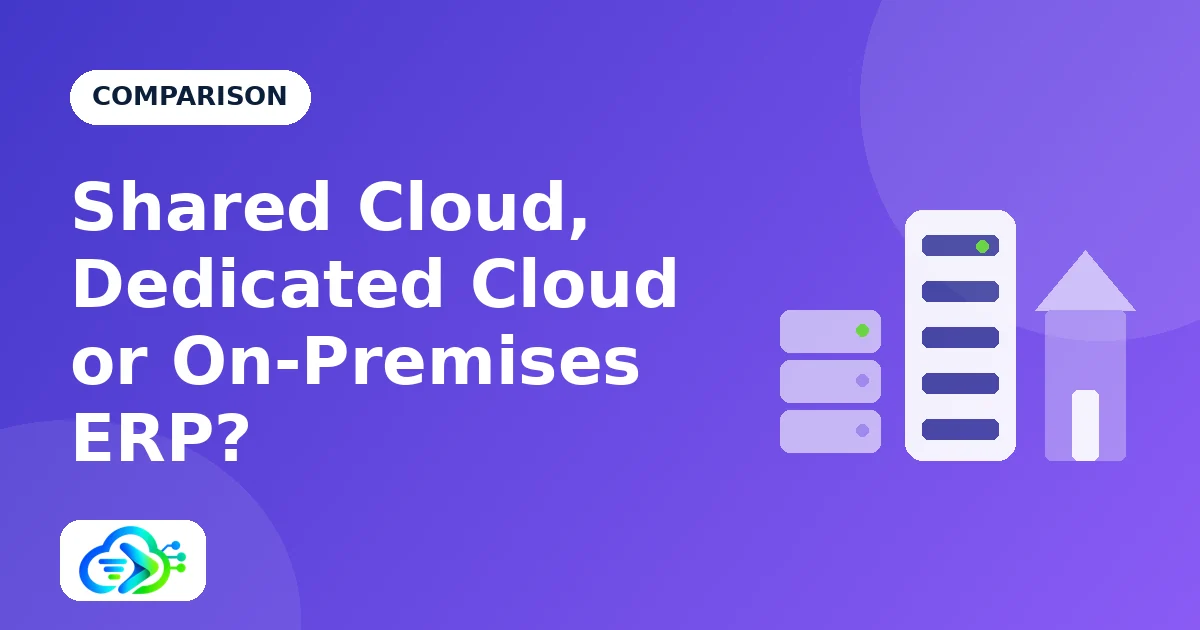
Shared Cloud, Dedicated Cloud or On-Premises ERP?
Shared cloud, dedicated cloud or on-premises? Compare cost, isolation, control and effort to pick the right ERP deployment.
Short answer: start on a shared cloud if you want speed and a low price; move to a dedicated cloud for your own server and release schedule; choose on-premises only when your own premises are a requirement.
The audit that changed the question
A mid-sized manufacturer has run on a shared cloud ERP for a year and is happy. Then a large customer sends a supplier questionnaire: where is your data stored, who can access the servers, and can you apply updates on a schedule we approve?
The finance manager realises the honest answers are: on a provider's platform, the provider's staff, and no. Nothing is wrong with the system, but the company now needs to know whether a different kind of hosting would serve it better.
The problem
Most ERP discussions say cloud or on-premises, as if there were only two answers. In practice there are three, and the middle one is the most overlooked: a dedicated cloud, where the server is yours alone but someone else runs it.
Choosing wrongly has a cost either way. Paying for your own servers before you need them wastes money and attention. Staying on a shared platform after a requirement demands isolation puts a contract or an audit at risk.
- A customer or regulator asks where data lives and who can reach it.
- You need to approve updates before your users see them.
- You want deep customisation that a shared platform does not allow.
- You run reports so heavy that other tenants' performance becomes a worry.
The options side by side
| Shared cloud | Dedicated cloud | On-premises | |
|---|---|---|---|
| Where it runs | A provider's platform, shared by many companies. | A server just for you, run by a provider. | Your own servers. |
| Isolation | Each company in its own workspace with permission rules. | Your own server and database. | Your own network. |
| Start-up time | Fastest. | Days to weeks. | Weeks. |
| Customisation | The standard modules. | Deeper customisation is practical. | Full customisation. |
| Release timing | The provider's schedule. | Agreed with you. | Yours. |
| Who looks after backups | The provider. | The provider, to your needs. | You or a partner. |
| Cost shape | Subscription. | Subscription plus setup. | Setup plus your own running costs. |
Shared cloud
On a shared cloud many companies use one platform, each in its own workspace with permission rules that keep records apart. It is the quickest and lowest-cost way to start, and the provider handles servers, backups and updates.
The limits are timing and depth: updates arrive on the provider's schedule, and customisation is limited to what the standard modules offer.
Dedicated cloud
A dedicated cloud gives you your own server and database, run by a provider. You gain stronger isolation, an update schedule agreed with you and room for deeper customisation, without buying hardware or hiring server staff.
It costs more than a shared plan and takes longer to set up, because the server is built for you.
On-premises
On-premises means the software runs on servers you own, on your network, under your control. It suits organisations where data must stay on site, where the internet is unreliable, or where policy forbids external hosting.
You carry the work and the risk: hardware, patching, monitoring, backups and security. Plan the people and processes before you plan the purchase.
How to decide
These questions separate the three options quickly.
- Must data stay on a server only you control? That points to dedicated or on-premises.
- Do you need to approve updates before they reach users? Dedicated or on-premises.
- Will you customise beyond the standard modules? Dedicated or on-premises.
- Do you have people to run servers? Without them, avoid on-premises.
- Is speed and low cost your priority? Shared cloud.
The solution: a practical path
A sensible path keeps your choices open as you learn.
- Start on a shared cloud with the modules you need now.
- Write down any requirement that the shared platform cannot meet, with the date it appeared.
- When one is real, ask for a dedicated cloud quote and compare it with your growth plan.
- Move your data to the new server in a planned, tested migration.
- Choose on-premises only if your own premises are a requirement, and plan the people first.
Where ReckonERP fits
All three are offered. The shared cloud is self-service: sign up and start. Dedicated cloud and on-premises installations, with customisation, are set up with you and quoted separately.
See the FAQ for how licences, pricing and implementation work, and Cloud ERP vs On-Premises ERP for the two-way comparison.
Conclusion
Shared, dedicated and on-premises are three answers to one question: how much of the running and the risk do you want to own? The more you own, the more control you have and the more work you take on.
For most companies the sensible start is the shared cloud, with a clear trigger for moving up. Decide the trigger now, and the move later becomes a plan instead of a scramble.
Frequently asked questions
Is a dedicated cloud more secure than a shared one?
It gives stronger isolation because the server and database are yours alone. A well-run shared cloud with strict permission rules can also be sound; the right choice depends on your requirements.
Can we change option later?
Yes. Moving is a planned piece of work that carries your data across.
What does a dedicated cloud cost?
It is quoted for your needs, because it depends on size, customisation and support.
Who maintains a dedicated cloud?
The provider runs the server and its backups to the needs you agree, so you do not need your own server staff.
When is on-premises really necessary?
When data must stay on your own premises by rule or contract, or when a poor connection makes any hosted system impractical.